Every machine's service history, one scan away
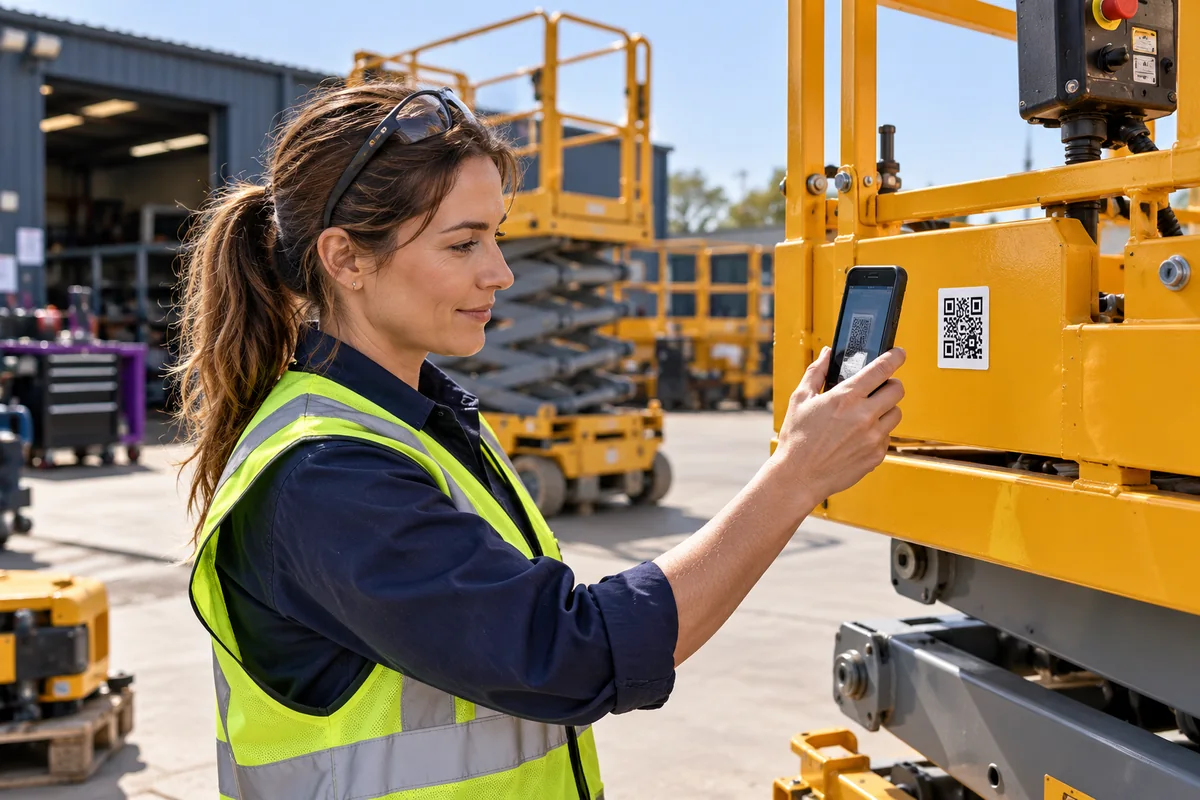
Put a QR label on each piece of equipment. Your team records services and inspections against it, you see what's due or overdue, and anyone who finds a fault reports it from their phone — already tied to the right machine.
Included in Pro from US$15/month, with 100 dynamic QR codes. Cancel anytime. Compare plans
Add your equipment
One at a time or from a spreadsheet. Name, location, serial number, manuals, safety notes and the next service date.
Label it
Print QR labels from the dashboard and stick one on each machine. The labels use dynamic QR codes, so you never need to reprint them.
Record the work
Log each service, inspection, repair or maintenance visit with the date, who did it, the cost and a meter reading if you track hours.
Catch faults early
Anyone can scan the label and report a problem with a photo. It arrives in your dashboard against that exact machine.
Know what's due before it fails
Set the next service date on each item and the dashboard shows what's due soon and what's overdue. Update dates in bulk from a spreadsheet after a service round.
On the Business plan and above, Scansational also emails service and inspection reminders before they're due, and alerts the right people the moment a fault is reported.
A history you can show an auditor
Every entry keeps its date, type, who did the work, cost and meter reading, and the public page shows the service history to anyone who scans — so the next operator knows the machine has been checked. Export the full register to CSV at any time.
From fault report to fixed
With Jobs & Scheduling (Business and above), turn a fault report into a job in one click: it carries the machine and the description, points back to the original report and its photo, and goes to whoever you assign.
Want the operator side — instructions, setup steps and videos at the machine? See QR codes for equipment. Looking after a whole building? See facilities management.
What it is, and what it isn't
Scansational keeps the record of what was done and when, and tells you what's due. It isn't a full computerised maintenance system with parts inventory or work-order costing, and it doesn't certify that equipment is safe to use.
Frequently asked questions
- Does the person reporting a fault need an app or account?
- No. They scan the label with their phone camera, describe the problem and can add a photo. No app or login.
- Can I import my existing equipment list?
- Yes. Create or update equipment from a CSV, and export the whole register to CSV.
- Will I get reminded when a service is due?
- The dashboard always shows what's due and overdue. Automatic reminder emails are included on Business and above.
- Can I change a label's page after it's stuck on?
- Yes. Labels use dynamic QR codes, so the page, documents and history can change without reprinting.
- Which plan do I need?
- Equipment Passports, service history, due dates and fault reports are included on Pro and above. Reminder and alert emails, and turning faults into jobs, need Business or Agency.
Ready to try it?
Included in Pro from US$15/month, with 100 dynamic QR codes. Cancel anytime. Compare plans