A menu QR code you never have to reprint
Specials change daily, prices change seasonally, and the table card should stay the same. Put one editable QR code on the table and keep the menu behind it up to date.
Free: 1 editable QR, no card · Starter US$5/mo for 10
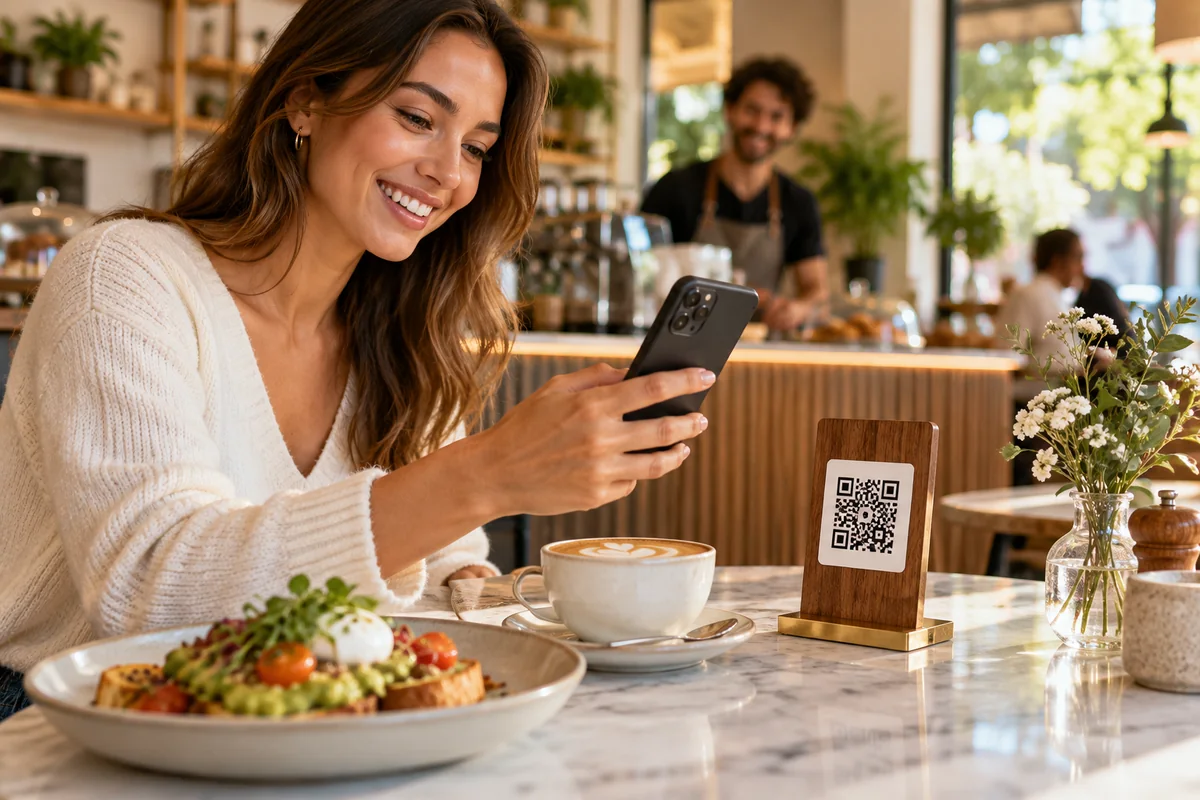
Why the code on the table should be dynamic
The whole point of a menu code is that the menu can move faster than the printing. If the code points straight at a file or page that later moves, every table card in the room becomes a broken link.
A dynamic QR code points to a short Scansational link instead. When the menu changes, you change the destination in your dashboard and every printed card keeps working. You can even send the same code to a lunch menu in the afternoon and a dinner menu in the evening by updating it, without a single new sticker. Your first dynamic code is free with any account.
Hosted menu or PDF menu?
A hosted menu page is built for phones. Guests see sections and dishes laid out for a small screen, text is readable without pinching and zooming, and changing a price or removing a dish is a quick edit.
A PDF menu is useful when you already have a beautifully designed print menu and want guests to see exactly that. The tradeoff is that PDFs are designed for paper, so they can be slow to load and fiddly to read on a phone. If you go this route, export a lightweight file and keep the text large. Hosting the PDF on Scansational requires the Starter plan or above; on the free plan you can point the code at a PDF you already host elsewhere.
Many venues use both: a hosted menu as the default destination, with the PDF linked from a link page for guests who prefer the printed layout.
Beyond the menu
A single table card can do more than show dishes. A link page can gather the menu, your ordering or booking page, allergen information and your social accounts. A separate guest Wi-Fi code saves staff from reciting the password. A Google review code near the counter or on the receipt gives happy guests an easy way to say so.
Scan analytics show when codes get used and on which devices, which can tell you whether the outdoor tables, the bar or the window display drive the most interest. For feedback about the venue itself, the feedback and issue-reporting demo shows another option available on Pro and above.
Table card tips
Print codes at least 2 cm (0.8 in) across — larger for wall menus or window displays — and keep a clear margin around them. Matte card avoids glare from overhead lights. Add a short line such as "Scan for today's menu" so guests know what to expect, and keep a few printed menus on hand for anyone who would rather not use their phone. Test cards under your actual lighting before setting every table. More advice is on our resources page.
Frequently asked questions
- Can I update my menu without reprinting the QR code?
- Yes, if you use a dynamic QR code. You edit the menu or change the destination in your dashboard and the printed code on every table keeps working.
- Is a PDF or a hosted menu better for guests?
- A hosted menu is easier to read on a phone and quicker to edit. A PDF preserves your print design exactly but can be harder to read on small screens. Many venues use a hosted menu and link the PDF as an option.
- Does a menu QR code cost anything?
- Every Scansational account can create one dynamic QR code free with no expiry. Hosting a PDF menu on Scansational and creating more dynamic codes require a paid plan, priced in US dollars.
- Can I see how many guests scan the menu?
- Yes. Dynamic QR codes record scans with device, browser, operating system and country where available, and known bots are excluded from the counts.