QR codes for events that keep up with the program
Sessions move, rooms swap and speakers run late. Print your event codes once, then keep the schedule, maps and feedback forms behind them as current as the day itself.
Free: 1 editable QR, no card · Starter US$5/mo for 10
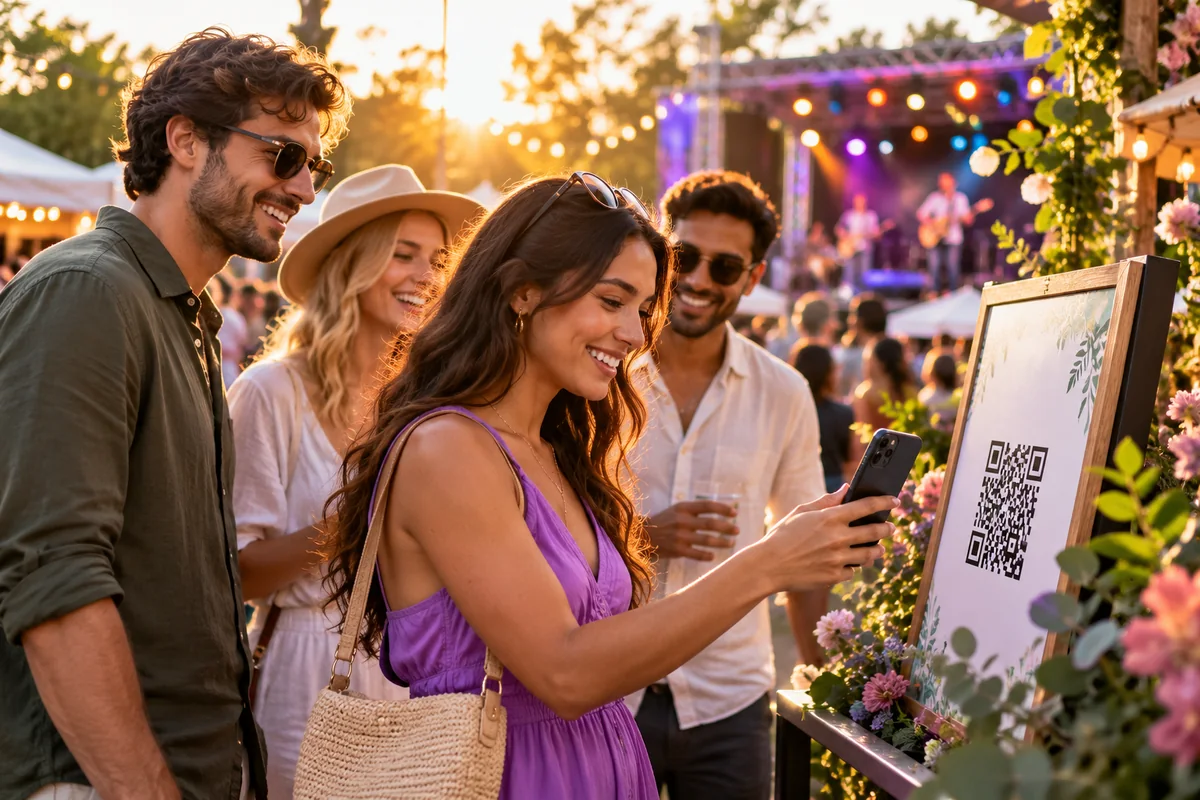
Before the event: getting people in the door
Posters, flyers and invitations all compete for a few seconds of attention. A QR code turns that moment into an action: open the registration or ticketing page you already use, add the venue to a map, or save an organizer's contact card.
Use a dynamic QR code on anything printed early. If the ticket provider changes, early-bird sales end or the event sells out, you can redirect the same code to a waitlist or a recap page instead of leaving people at a closed form. Scan analytics show which posters and channels are working while there is still time to adjust.
On the day: the program in everyone's pocket
A code on badges, lanyards, entrance banners and stage screens can open a link page with the schedule, floor plan, speaker bios, session slides and the Wi-Fi details. When a talk moves rooms, you update one page instead of reprinting the signs.
Separate codes per room or per session make it easy to share slides, a sign-up for a follow-up workshop, or a sponsor offer at the moment it is relevant. A guest Wi-Fi code at registration saves the help desk from repeating the password all day.
After the event: feedback while it's fresh
The best time to ask for feedback is before people leave the room. Put a code on the final slide, the exit doors or the back of the badge that opens a short survey. On the Pro plan and above, Scansational's feedback and issue-reporting forms collect responses directly — see the feedback demo — or point the code at the survey tool you already use.
Once the event is over, redirect the same codes to recordings, photos or next year's save-the-date, so every printed item keeps doing useful work long after the venue is packed up.
Practical tips for event codes
Size codes for the distance: a badge code can be small, but a code on a projector screen or banner needs to be large enough to scan from the back rows. Give attendees a reason to scan with a short caption, keep strong contrast against busy event artwork, and test every printed item on-site under the venue's lighting. For running sign-in at the door of a workplace or site rather than a ticketed event, see the solutions page and our printing checklist.
Frequently asked questions
- Can a QR code link to my existing ticketing or registration page?
- Yes. A QR code can open any web address, including registration and ticketing pages from the provider you already use. Scansational does not sell tickets itself.
- What if the schedule changes after the posters are printed?
- Use a dynamic QR code. You can update the page or change the destination from your dashboard at any time, and every printed poster and badge keeps working.
- Can I collect attendee feedback with a QR code?
- Yes. You can link to any survey tool, or on the Pro plan and above use Scansational's feedback and issue-reporting forms to collect responses directly.
- How many QR codes do I need for an event?
- Many events use one main code for the program and a handful of separate codes for registration, individual rooms or feedback, so analytics show which touchpoints are used. Each account gets one dynamic code free; more need a paid plan.