QR codes that give your products a voice
Packaging only has so much room. A QR code turns a box, label or hang tag into a doorway to setup help, warranty sign-up and the story of how the product was made.
Free: 1 editable QR, no card · Starter US$5/mo for 10
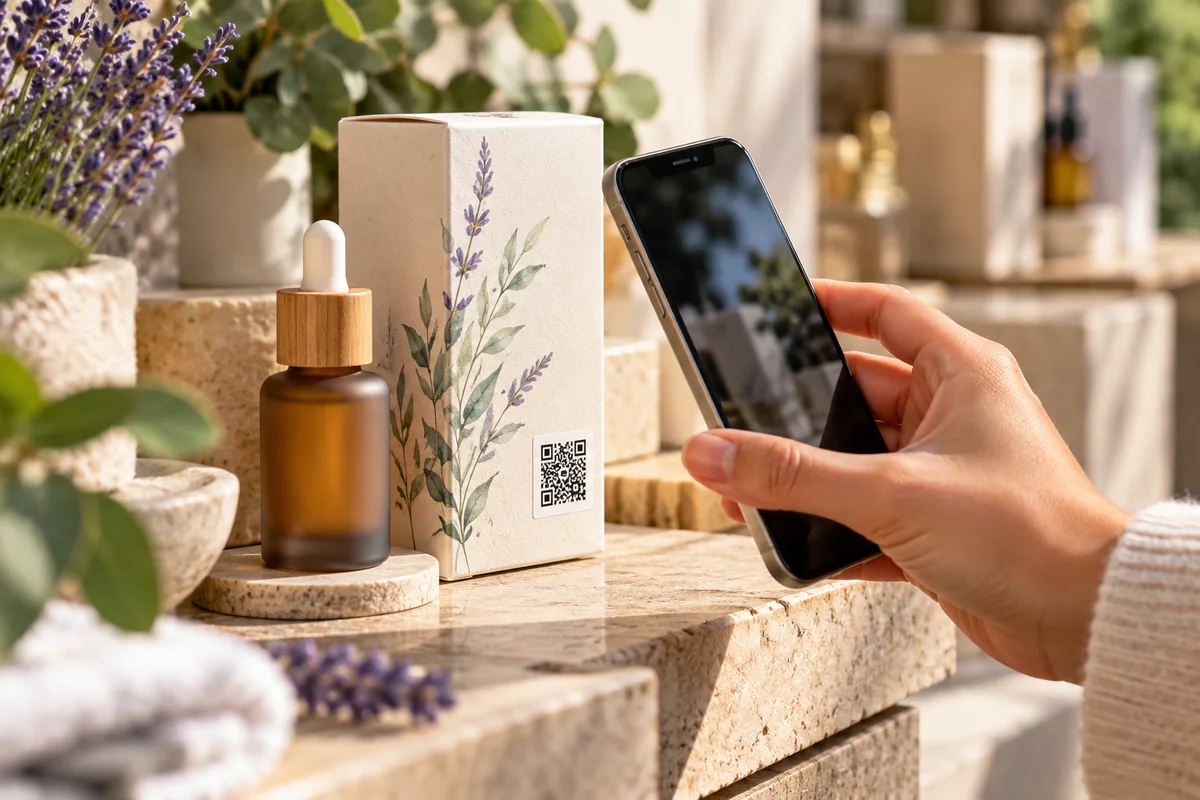
What customers want after they open the box
The moment someone unpacks a product is when they are most curious and most likely to need help. A code printed on the inside flap, the label or the quick-start card can answer the questions that don't fit on the packaging.
Common destinations include a full instruction manual or assembly guide as a PDF, a short setup video, a warranty registration form, ingredient or materials information, care and recycling instructions, a page for ordering refills or spare parts, and the story of the maker, farm or workshop behind the product.
A link page is useful when you have several of these: one scan, a tidy list of options, and nothing for the customer to type.
Why packaging needs an editable code
Printed packaging has a long life. Boxes sit in warehouses, on shelves and in customers' cupboards for months or years, while websites get redesigned and URLs move. A static code that points to a page you later delete leaves customers at a dead end.
A dynamic QR code solves that. You can point it at a launch page today, a revised manual next quarter and a successor product when the line is discontinued — all without reprinting a single label. Scan analytics show which products and print runs actually get scanned, and from which countries, which can guide where you invest in content.
For a single product or a small batch, your one free dynamic code is a good place to start. Larger catalogs usually need a paid plan for more codes; Starter and above also host PDFs directly, so a manual doesn't need to live somewhere else first.
Ideas that go beyond the manual
Products with a provenance can show it off: a coffee bag that leads to the farm, a garment tag that explains the fabric, a bottle that tells the vintage's story. Products that need care can link to cleaning or maintenance steps. Products that get resold can link to a page that stays useful for the second owner too.
For machinery, tools and appliances that need ongoing servicing, look at Equipment Passports, which give each item its own public page with manuals, service history and fault reporting. Authors and publishers have a dedicated option too: see QR codes for books.
Getting the print right
Packaging is often curved, glossy or busy with artwork, so give the code a plain, high-contrast patch with empty space around it. Keep it at least 2 cm (0.8 in) across, export SVG for your printer, and scan a physical proof before approving the run. A short line of text such as "Scan for setup video" tells people why it is worth scanning. More tips are in our resources.
Frequently asked questions
- Should I use a static or dynamic QR code on packaging?
- Dynamic is usually the safer choice for packaging, because it lets you change the destination after the packaging is printed and shows scan analytics. Static codes suit content that will never change.
- Can a product QR code open a PDF manual?
- Yes. You can point a code at a PDF you already host anywhere, or on the Starter plan and above upload the PDF to Scansational and link a dynamic code to the hosted document.
- Can I see how many people scan my product's QR code?
- Yes, for dynamic QR codes. Scansational records scan counts with device, browser, operating system and country where available, and excludes known bots.
- How small can a QR code on a label be?
- As a rule of thumb, keep it at least about 2 cm (0.8 in) across with clear space around it, and test a printed proof with more than one phone before a full print run.